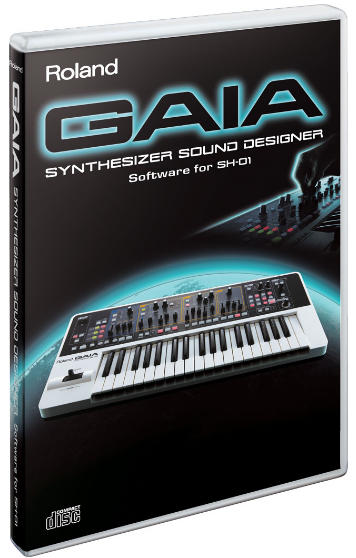

 Roland brengt GAIA Synthesizer Sound Designer uit, een software editor voor de GAIA SH-01 synthesizer. Met deze software editor kun je iedere parameter van de GAIA SH-01 bewerken op je computer, belooft Roland.
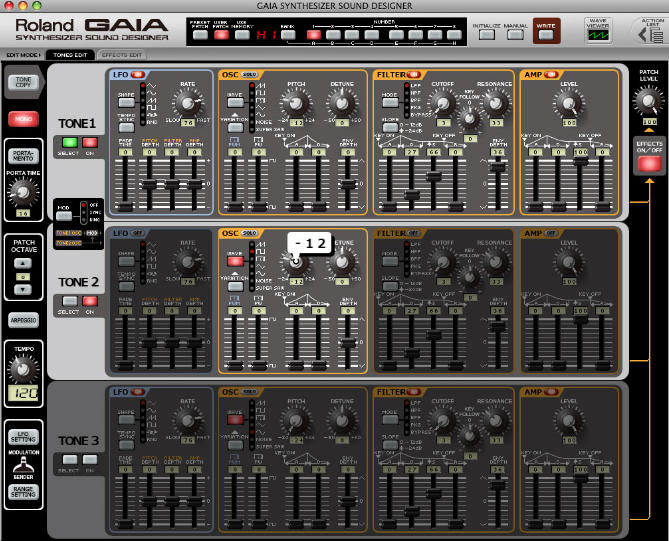
Als je de GAIA SH-01 aansluit op de usb-poort van de computer dan verschijnen alle instellingen ervan automatisch in de software editor. De ingebouwde waveviewer brengt het geluid tijdens het programmeren van de klanken mooi visueel in beeld. Verder beschikt de software over de functie Action List, waarmee je stap voor stap kunt uitvinden hoe de patches zijn opgebouwd.
GAIA Synthesizer Sound Designer wordt geleverd met een aantal nieuwe patches en Action List-voorbeelden waarmee je de basis van synthese kunt leren. Het pakket is helaas niet gratis. Vanaf oktober is het beschikbaar voor Windows en Mac OS voor $99.
Bron: SynthopiaRoland announces GAIA Synthesizer Sound Designer, a software editor for the GAIA SH-01 synthesizer. Users can control every tone parameter of the GAIA SH-01 with the software editor, Roland promises.
After connecting the GAIA SH-01 synth via the usb port of the computer the tone parameters are visible in the software. A build in wave viewer displays the sounds graphically while tweeking the tone parameters. The Action List function lets you explore the patches step by step.
GAIA Synthesizer Sound Designer comes with a bank of new patches and Action List samples for learning the fundamentals of synthesis. Unfortunately the package is not free for GAIA SH-01 users. It’s available for Windows and Mac OS from October and costs $99.
Source: Synthopia